OC8NT
- 8 tracks. 16 steps. No paging.
- 40+ sound engines.
- Trigger conditions. P-locks.
- LFO, ENV and MSEG on every parameter.
- Morphing. Spectral. Resample to wavetable.
- Push 2 integration.
- A sampler on every track.
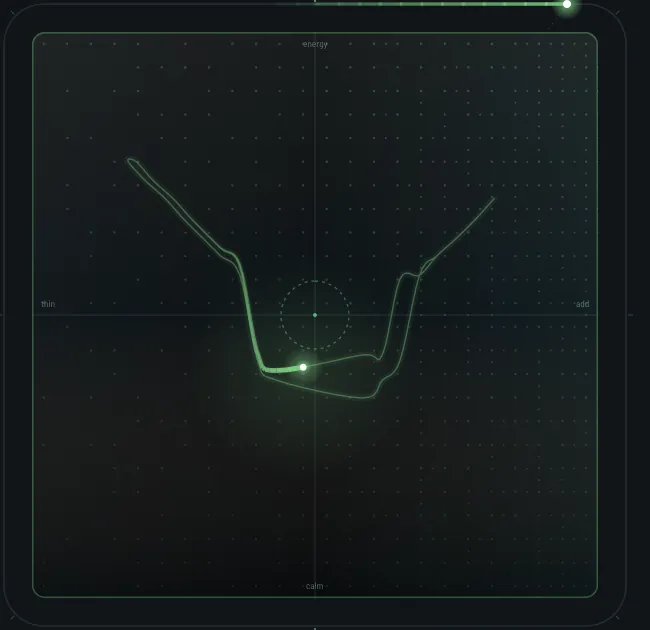
- Evolving sequences and performance gestures.
- And a DAW, as a bonus.
EIGHT
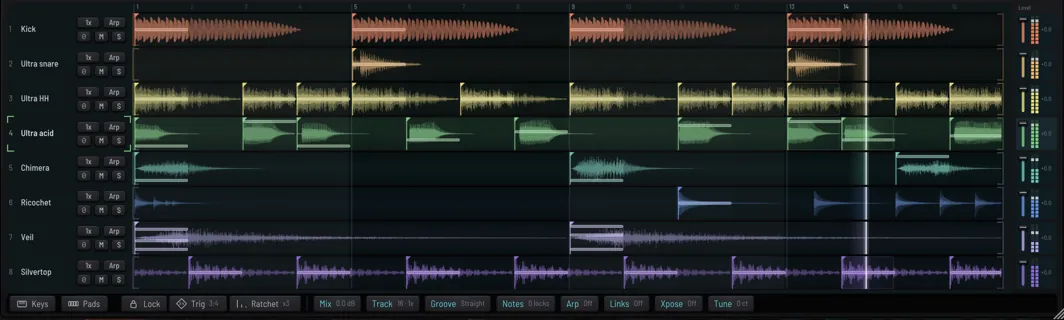
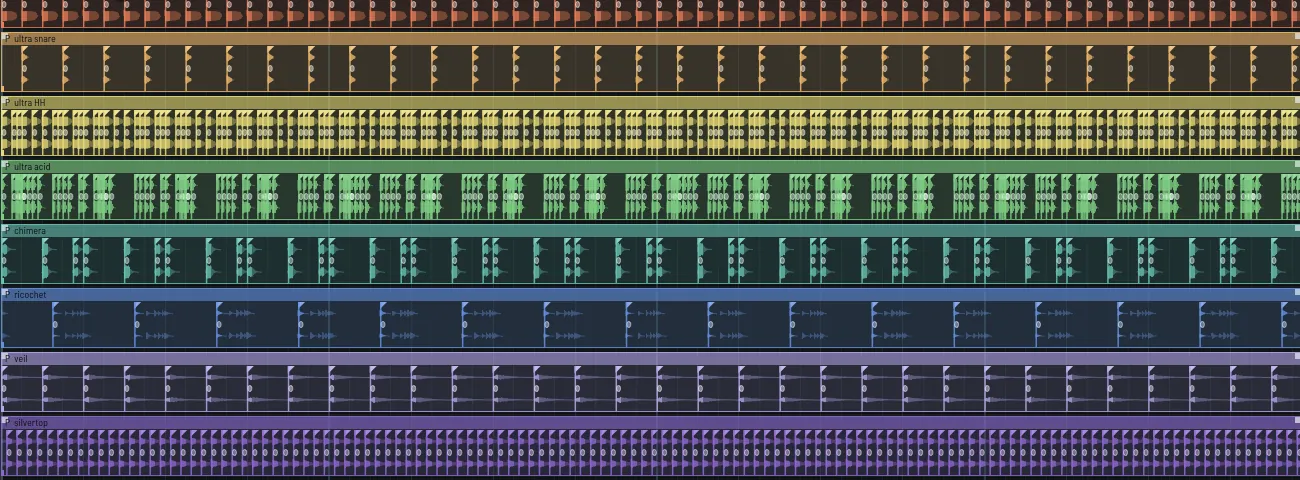
Eight tracks. Sixteen steps each. One screen.
LANES
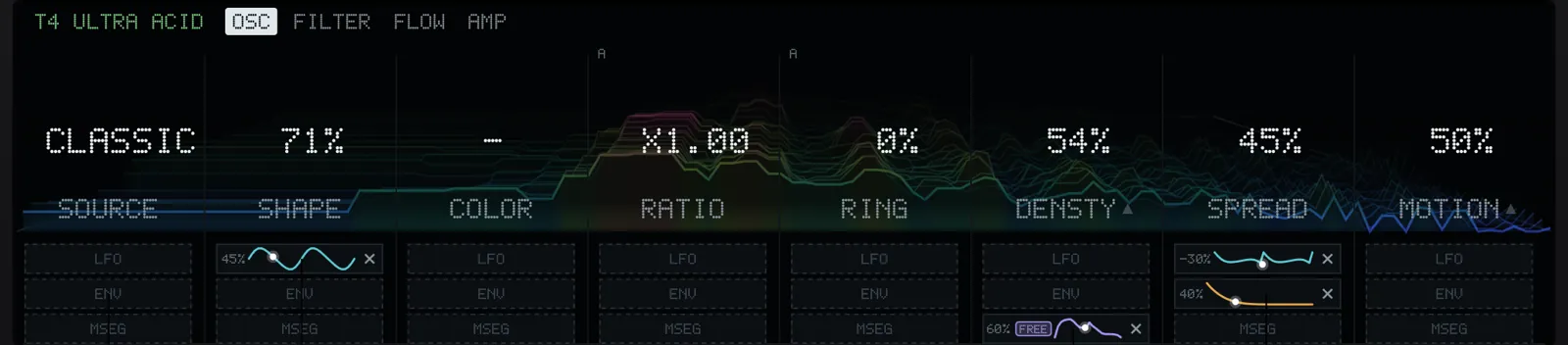
Every knob has LFO, ENV and MSEG lanes. Every step can lock any knob.
MOTION
Patterns can evolve, morph between each other and return to the original.
Sequencer
Modulation on every knob
Eight stages per track
- Synth
- Sample
- Shape
- Filter
- Motion
- Delay
- Reverb
- Finish
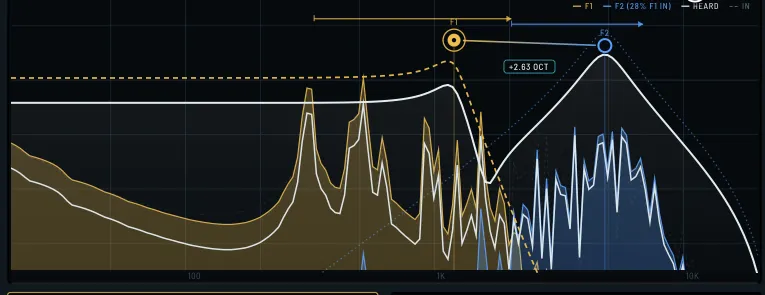
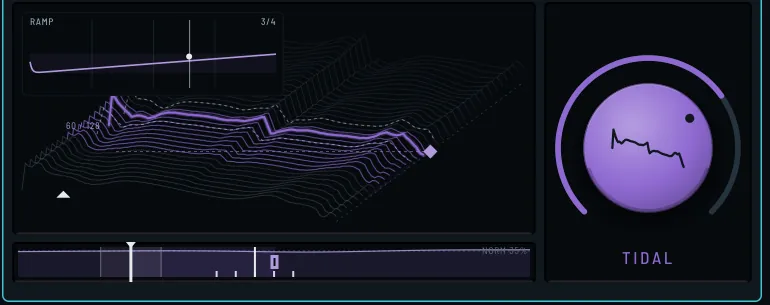
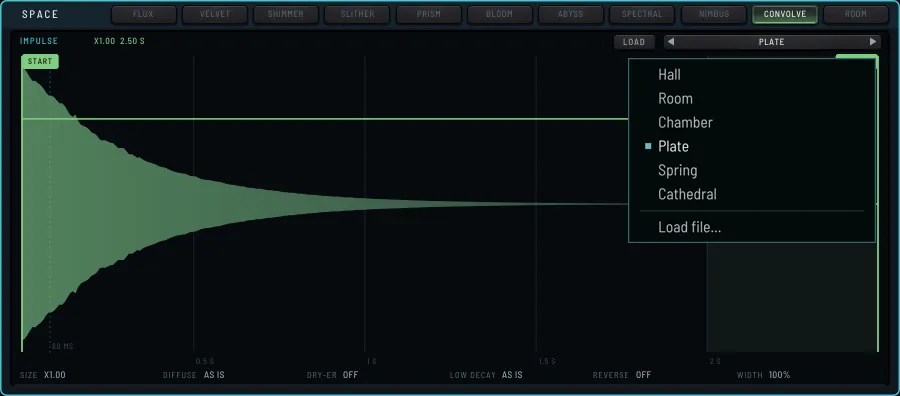
Delay types include echo, spectral and kodama. Most machines, including the wavetable, kick, ricochet and veil, have their own pop-out.
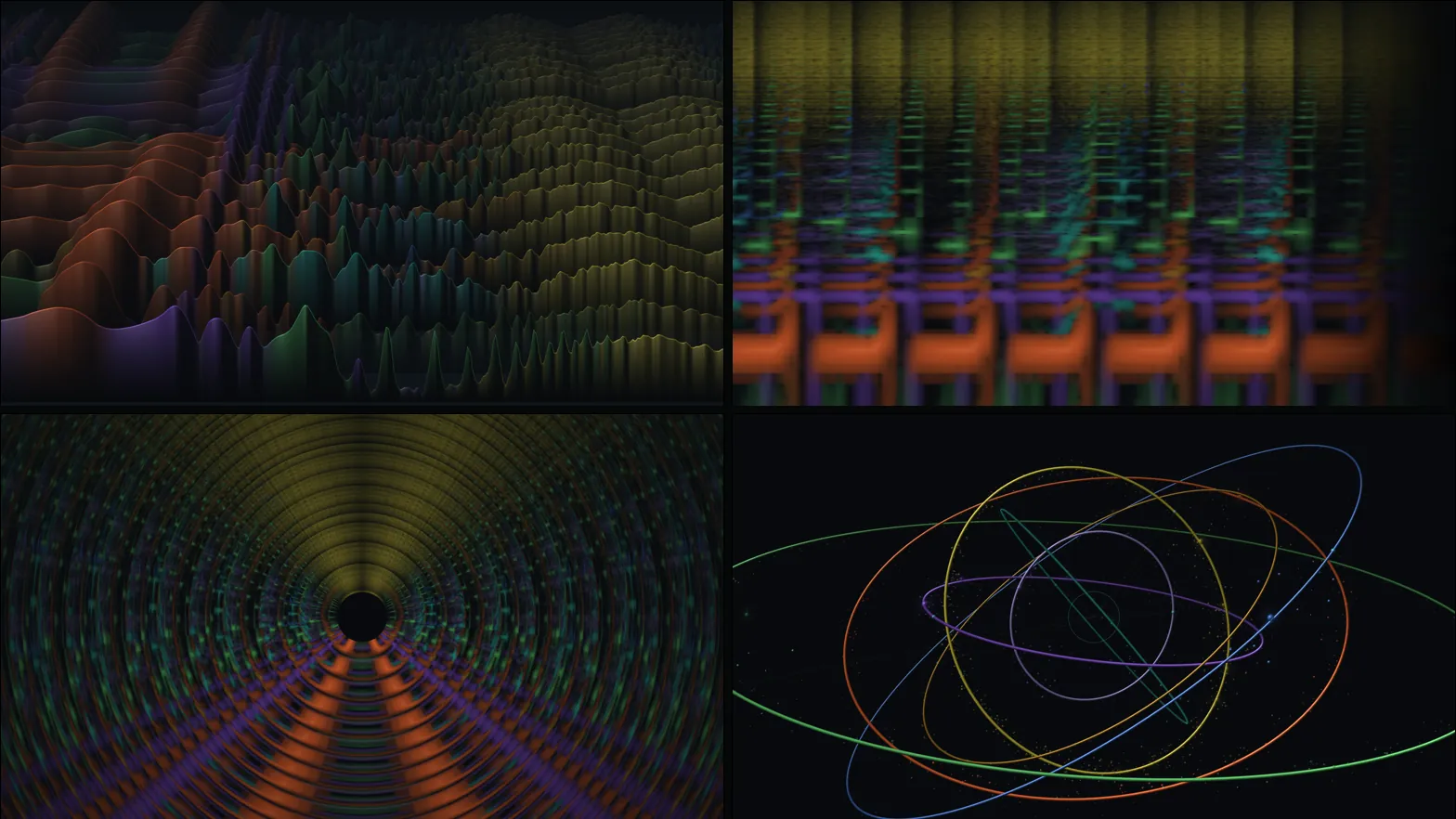
Built in reactive visualizations
Other features
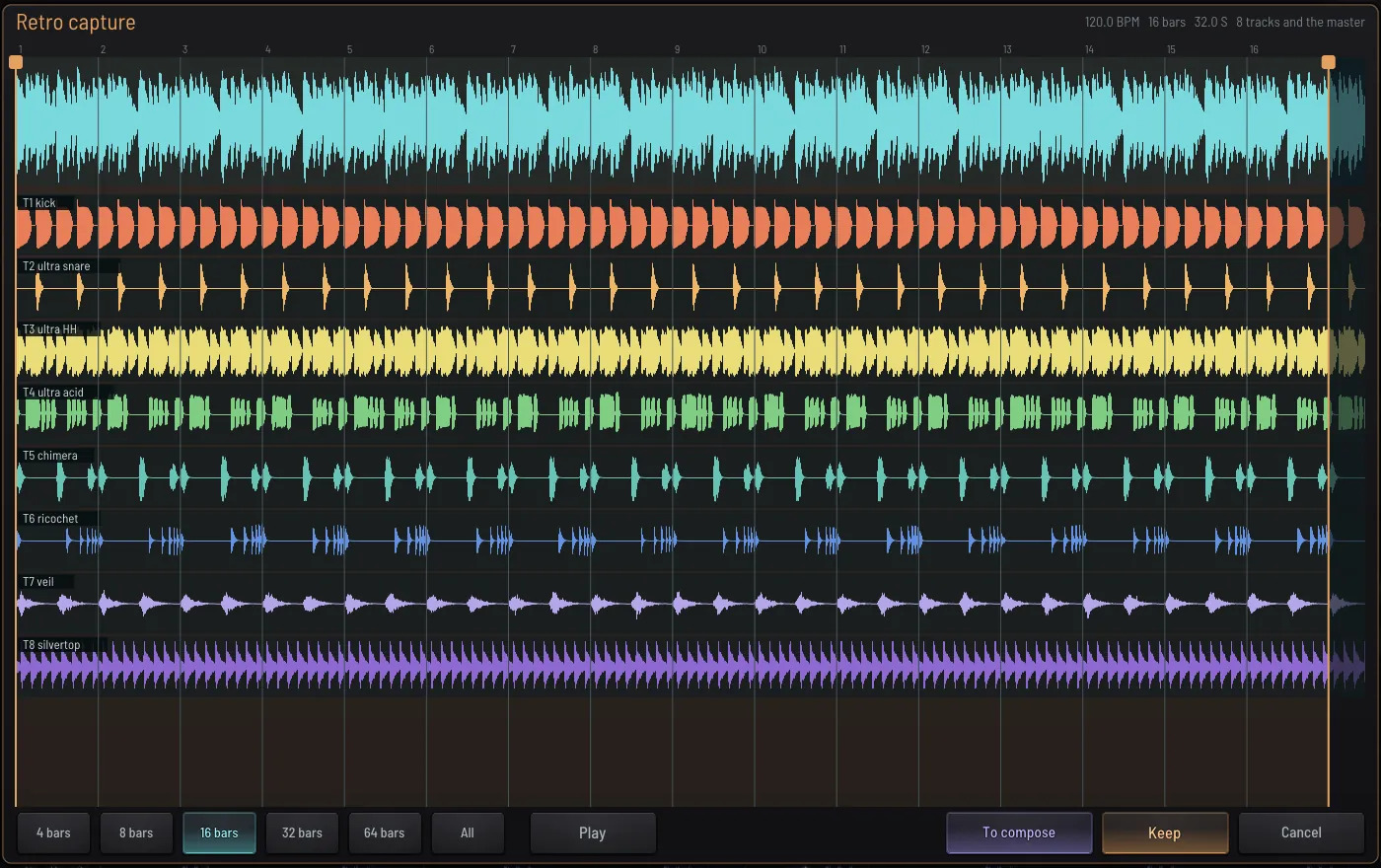
- Retro capture
Retro capture keeps the last 16, 32 or 64 bars of every track. A history keeps up to an hour.
- Video export
Video is recorded from inside the program. It can be generated again after editing, at any size.
- Delay types
Kodama makes each repeat less defined than the last. Spectral delay lets low frequencies arrive after high ones.
- Shared space
Reverb and delay can bleed between tracks, so a hat and a pad share the same space.
- Motion modules
Motion replays the last bars in a different order, or changes one track into another.
- Evolve and morph
Evolve moves a pattern away from the original and returns to it. Morph changes from one pattern to another over several bars.
- Spectral
Models materials and harmonics. A step can be resampled into a wavetable.
- Virtual Push
A Virtual Push shows what the hardware shows. Hardware, classic or metal.
Evolving sequences and performance gestures
Manual
Tracks and steps, machines with sound examples, modulation, effects, CONDUCT, Push 2. Screenshots of the program, section by section.
Beta
Report problems by email or in Discord.
Download for macOSDownload for Windows
Version 0.9.10 · macOS 55 MB · Windows 30 MB. The Windows installer is not yet signed: Windows may warn before it runs. Windows needs a processor with AVX2.
- macOS
- 11 or later
- Windows
- 10 or 11, 64-bit
- Chips
- Apple silicon and Intel
- Format
- Standalone
- Push 2
- Optional
- Version
- 0.9.10
- Expires
- 60 days after build
A beta stops making sound 60 days after it was built. Projects still open, save and export.