Capture and COMPOSE
Retro capture keeps what you played without recording first. COMPOSE arranges it on a timeline.
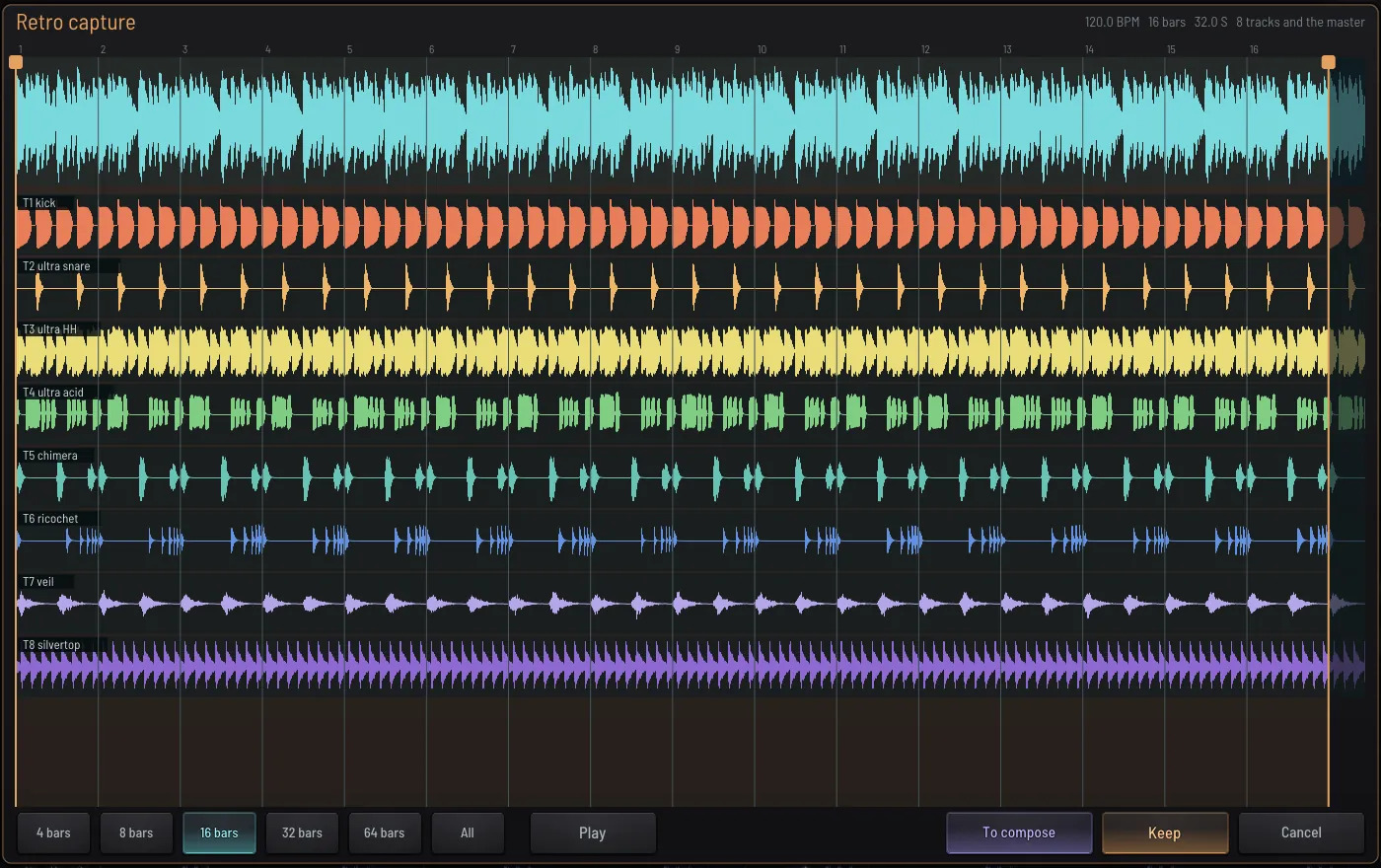
Play in CREATE or CONDUCT. When you hear something good, click Capture, choose 4, 8 or 16 bars, drag the ends, press play, then To compose. Each track arrives as its own clip. RETRO CAPTURE keeps up to 64 bars. COMPOSE also keeps a history of the last hour.
COMPOSEThe arrangement
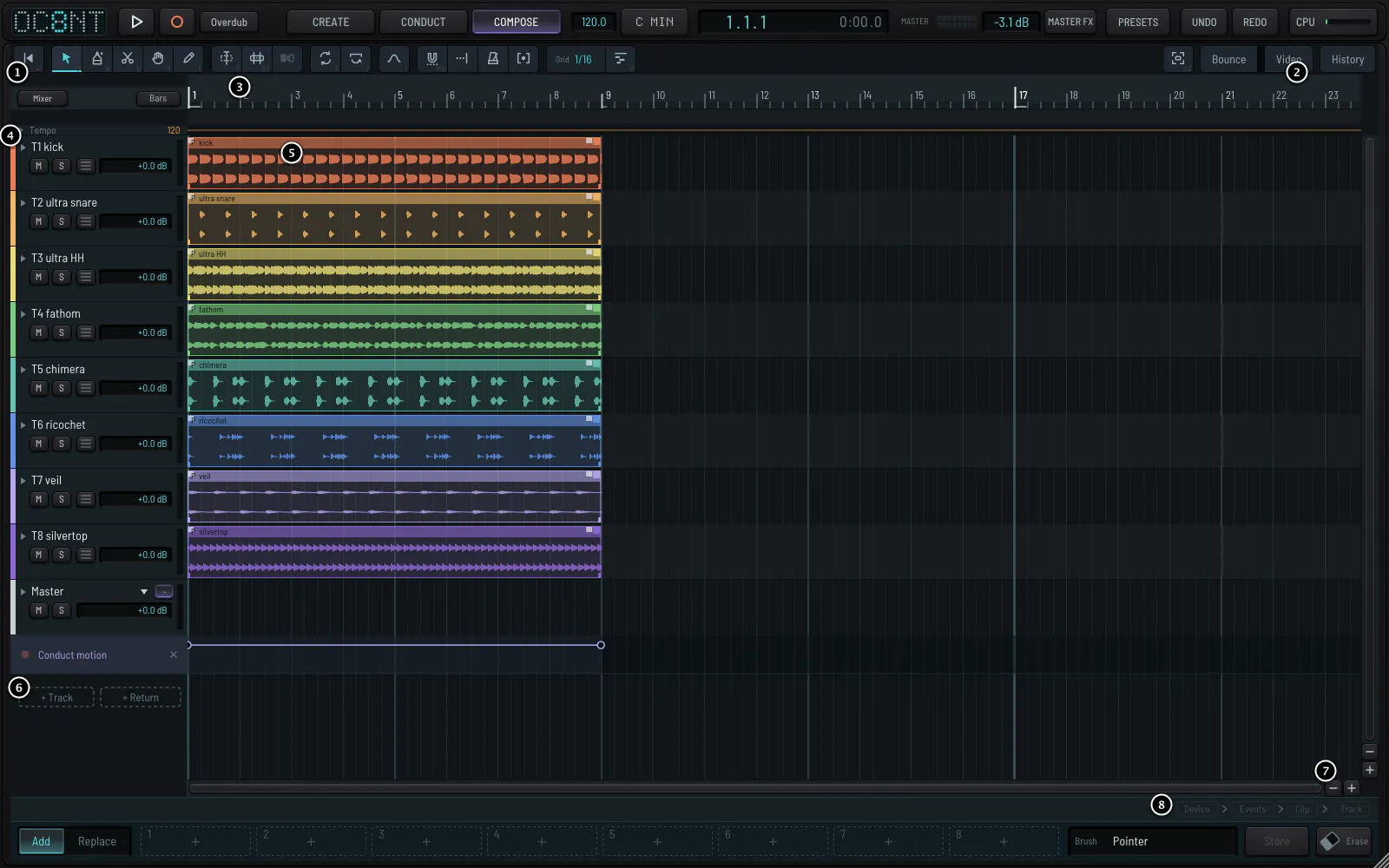
Clips carry the performance that made them, not just the sound, so OC8NT can play a clip's events again with a knob changed. Drag to move, alt-drag to copy, drag an edge to trim, and draw volume and fades on the clip itself.
In placeEditing events in place
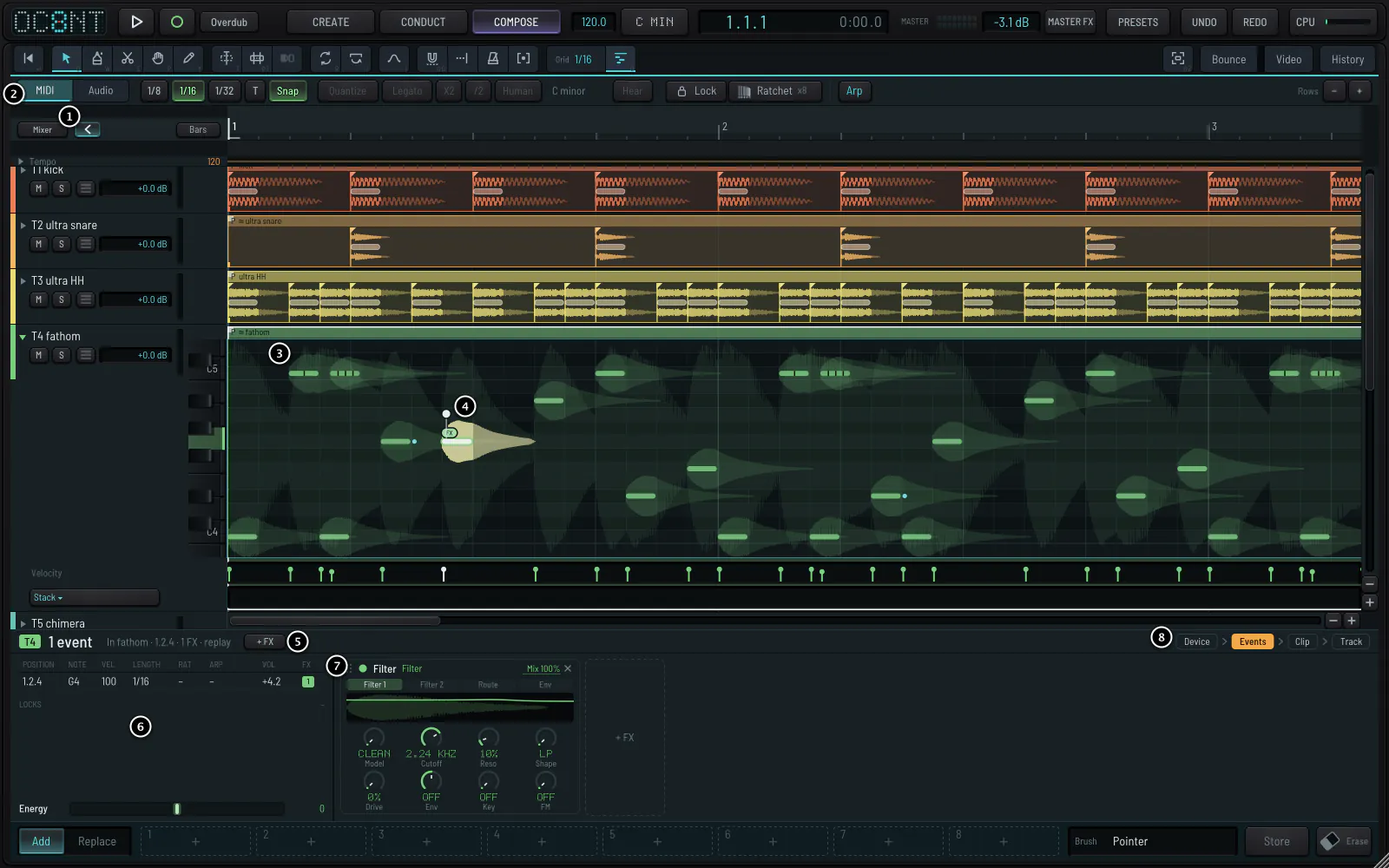
Double-click a clip: its track opens into a piano roll of its events. One note of a clip can have its own effects, a filter or a delay, heard at once. Press Esc and you are back where you were.
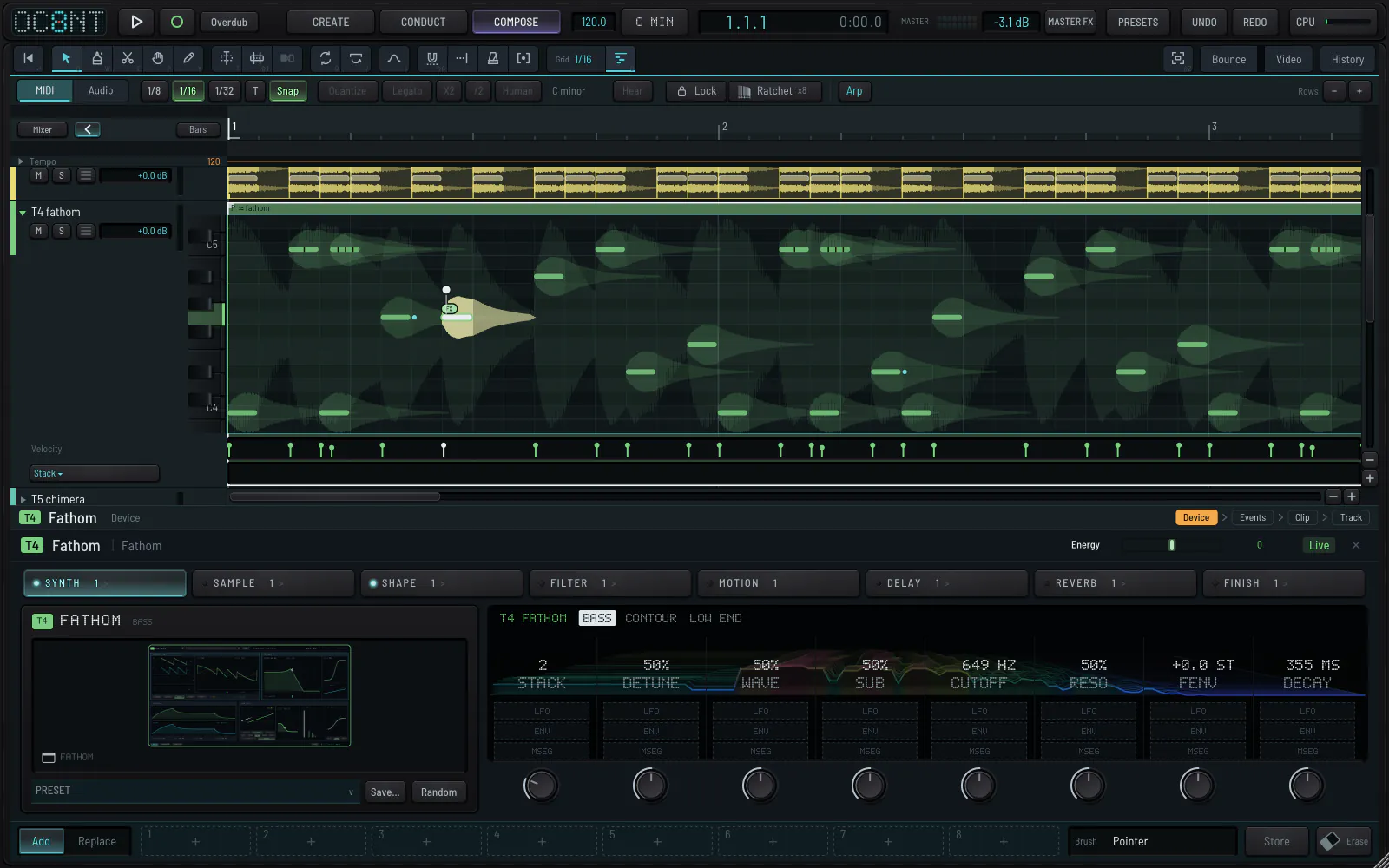
COMPOSE is a bonus. Record audio, bounce a mix or stems as WAV, FLAC or MP3, and draw automation. The Push becomes a keyboard in the key with the clip's device on its display.