10 Presets and samples
Presets and samples
Every page has a preset box. Every track has a sampler.
Devicea machine and all its knobs. The PRESET box on the SYNTH page.
Trackthe whole track, chain and sample included. The PRESET box beside RACK.
Samplethe sampler's knobs and its audio.
Kitall eight tracks. Right-click a pattern for Save Kit and Load Kit.
Every effect page has its own presets in the same box. The Left and Right arrow keys step through them.
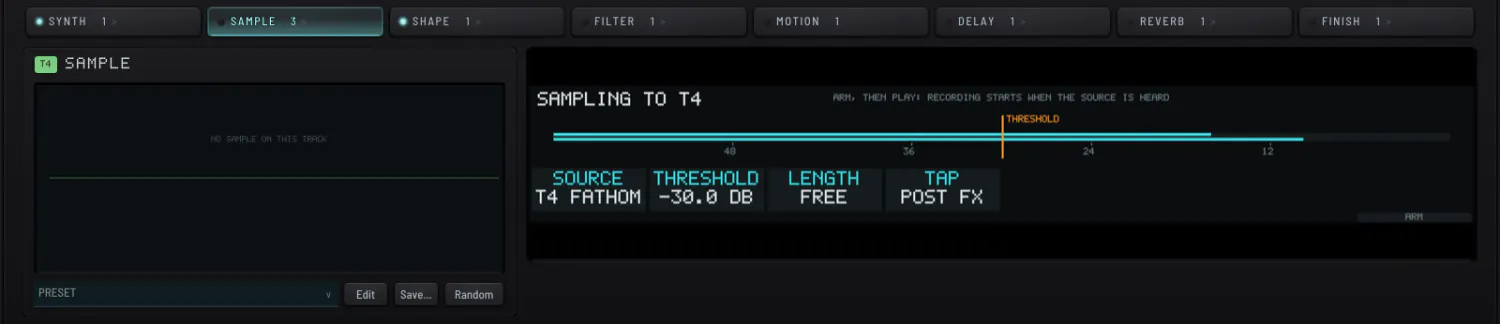
SamplingSampling
- Open SAMPLE and click its tab again for the SAMPLING panel.
- Choose a source a track, or the whole master.
- ARM recording starts when sound arrives. STOP ends it.
- KEEP adds it to the project pool; DISCARD to try again.
A step can be bounced to a sampler straight from its menu. Resample to W8VE turns the step's note into a wavetable, and a W8VE playing it takes the machine's place. The pool is a library: the project's samples are carried inside the project file.