04 Modulation
Modulation
LFO, envelope and MSEG lanes on every parameter.
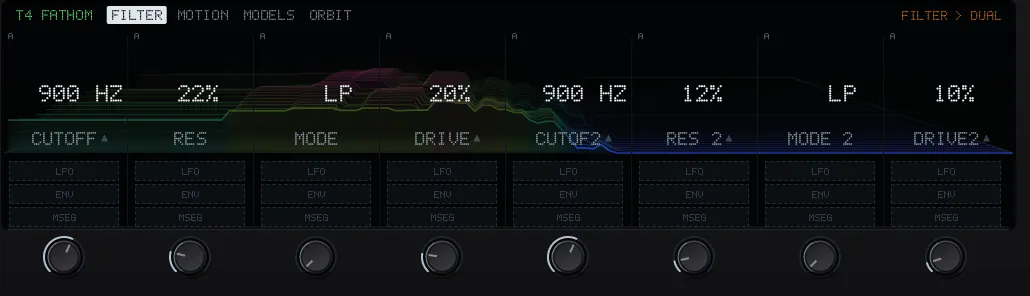
LFOa slow repeating movement. Click + LFO under a knob; click it again to edit, the x to remove it.
ENVa movement that starts on every hit.
MSEGa curve you draw: a lane of its own, shaped by hand and looped.
Scaletwo faders, ENV scale and LFO scale, turn every envelope or LFO in the project down to nothing or up to full travel.
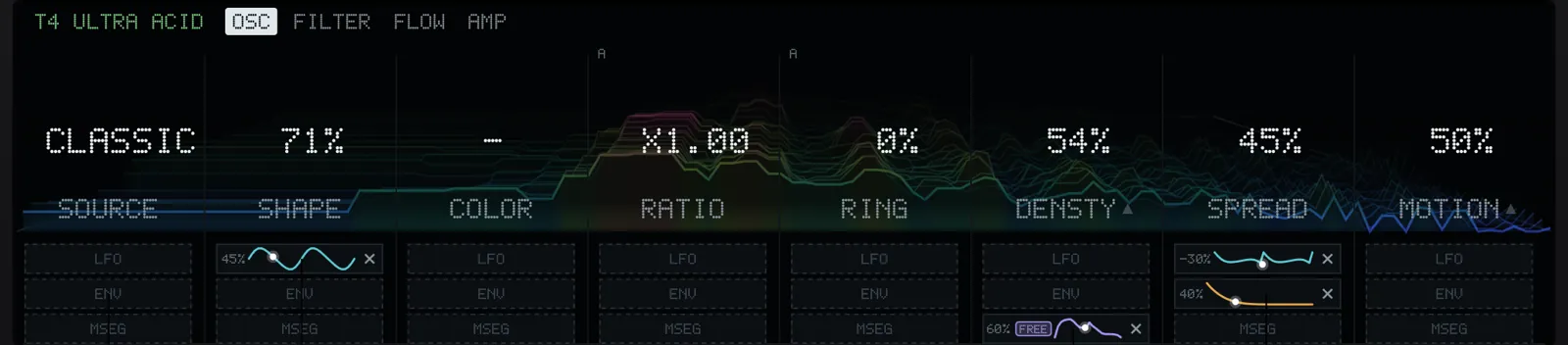
On the Push the keys under the display do the same: press once for a random LFO on the knob above, again to edit. Shift and the key gives an envelope instead. Delete and the key removes it.
The picture on the sound card follows the modulation. In CONDUCT the Mod Depth pad turns a track's modulation up and down while you play.
Per stepLocks
A p-lock moves a knob for one step only. A ratcheted step sweeps a locked value across its hits. A note cycle gives each pass its own lock. See Tracks and steps.