Patterns and energy
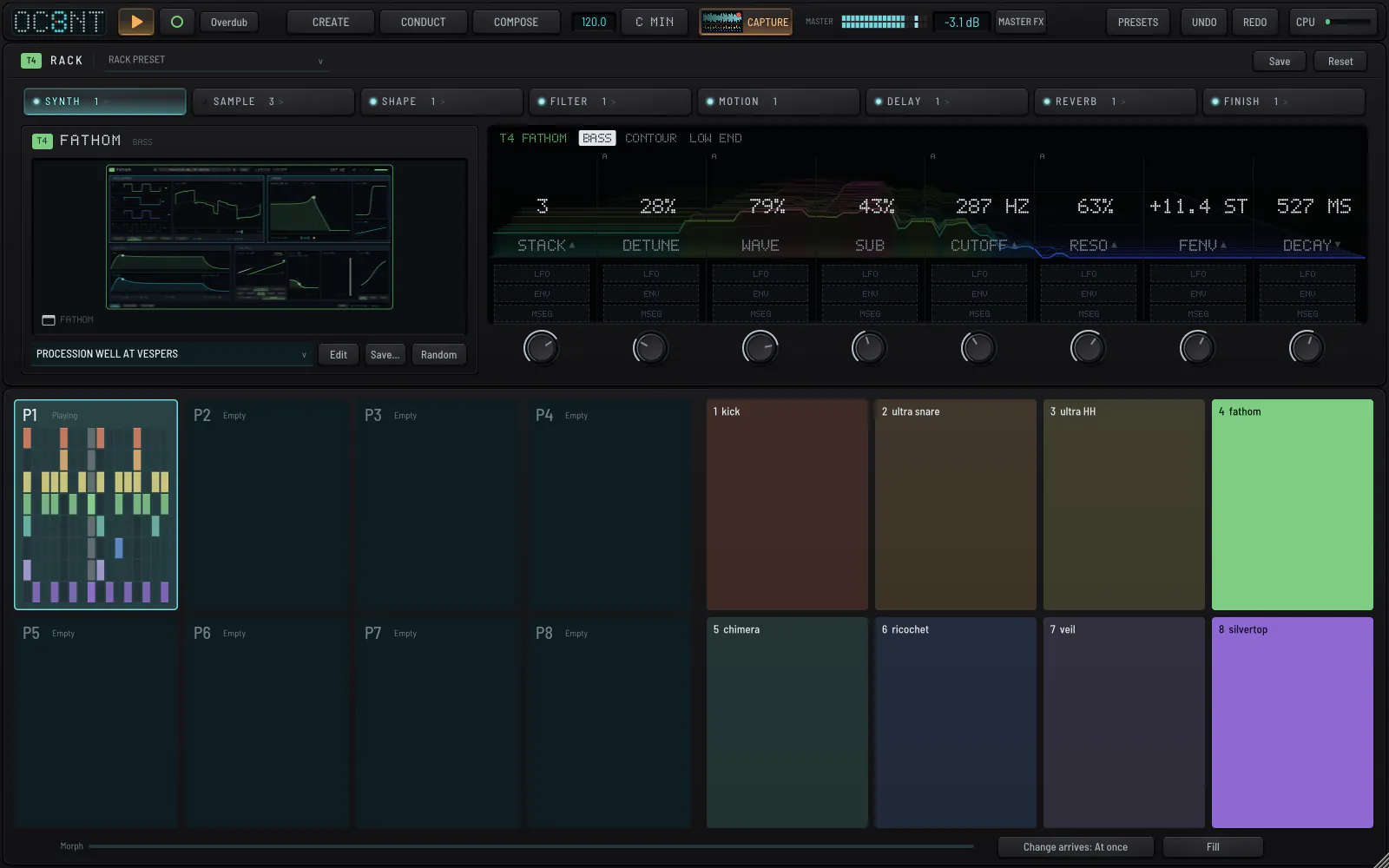
Eight patterns that can morph into each other, and one knob for how intensely they play.

- Click an empty pattern to copy what is playing into it.
- Click a full pattern to launch it at the next bar.
- Drag a pattern along the row to reorder it.
- Right-click for copy, paste, save pattern, load and the kits.
Pattern morphArrives: now, at the bar, or over bars
Arrives sets how a change lands: Now, at the next Bar, or as a smooth morph over 1, 4, 8 or 16 bars. A morph interpolates values per track and changes audio only where the machines differ, handing over on the first trig.
EnergyEnergy
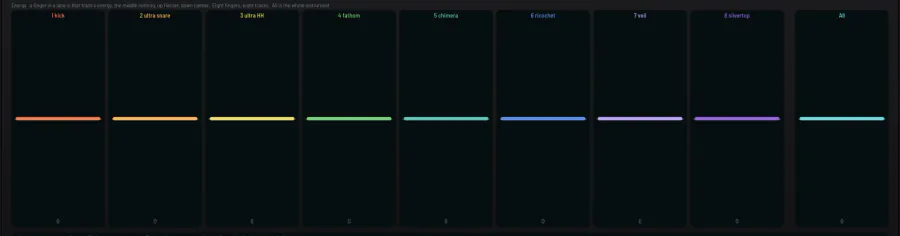
ENERGY is how intensely the pattern is played; it is not volume. At 0 you hear exactly what you programmed. Higher values make every track brighter and more driven. Lower values thin out the drums. It never changes a pitch.
There is one global ENERGY and one per track; each knob leans its own way on each machine. A step's velocity can also be its own energy.

MaskMask
MASK treats the eight tracks as layers of one sound, with its own amount and send knobs, LFO, envelope and MSEG, and effects on a flagship stage. It is the second tab beside Sequence.