Effects
Each stage has its own pages, presets and pop-out editor.
- Synth
- Sample
- Combine
- Shape
- Filter
- Delay
- Reverb
- Finish
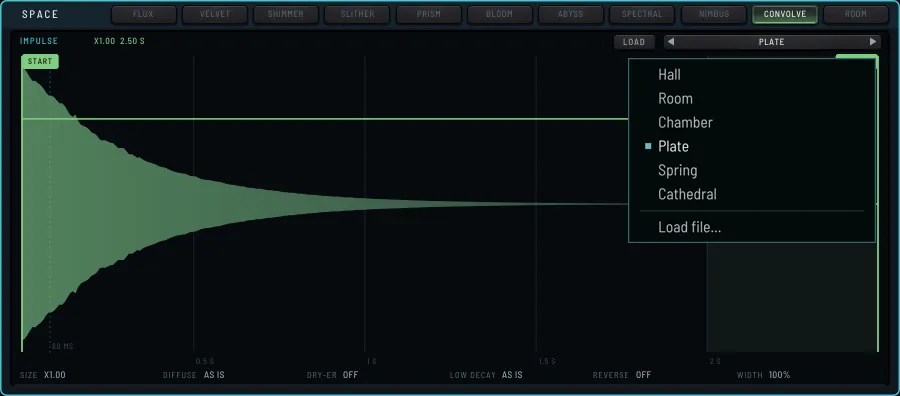
The pictures show the sound as it is set: the sound is played silently and drawn, so a knob that changes the sound changes the picture.
StageShape
Four slots, thirteen modules
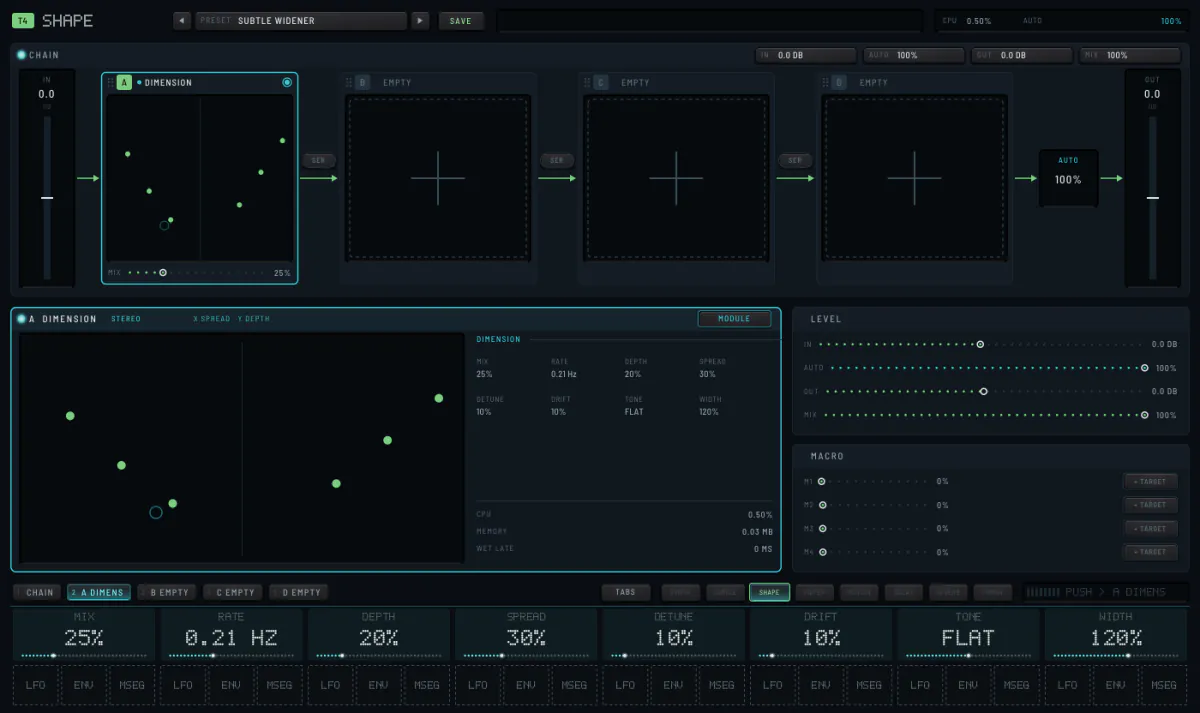
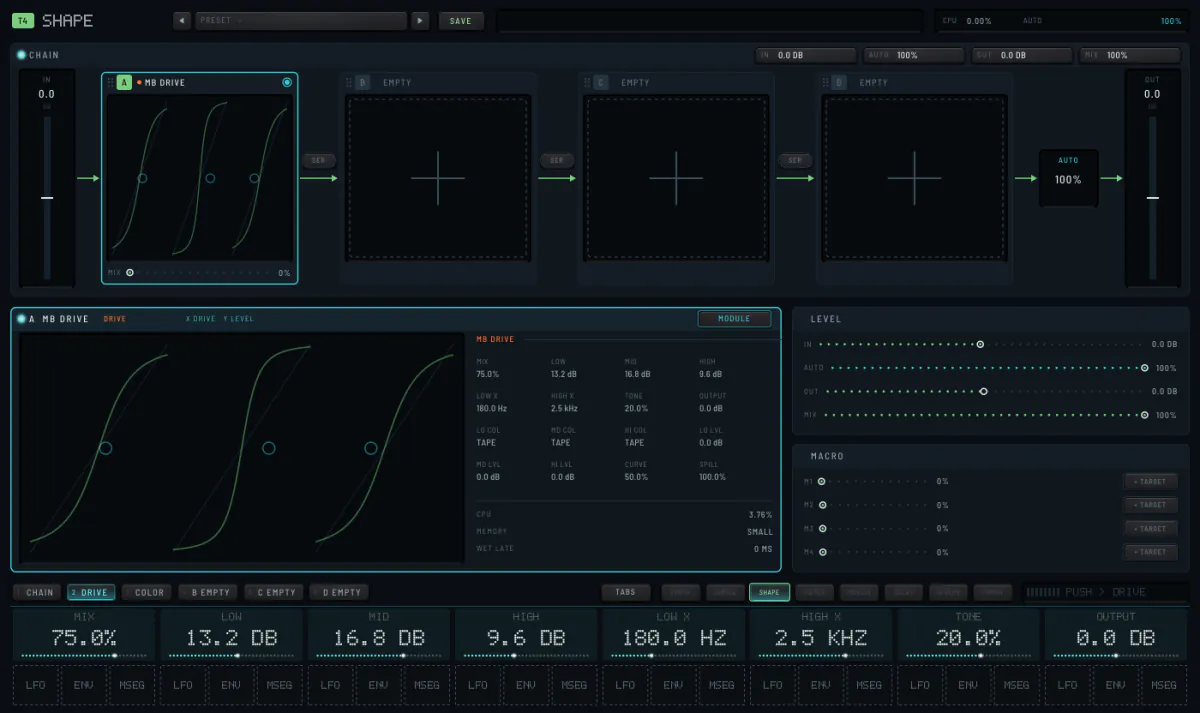
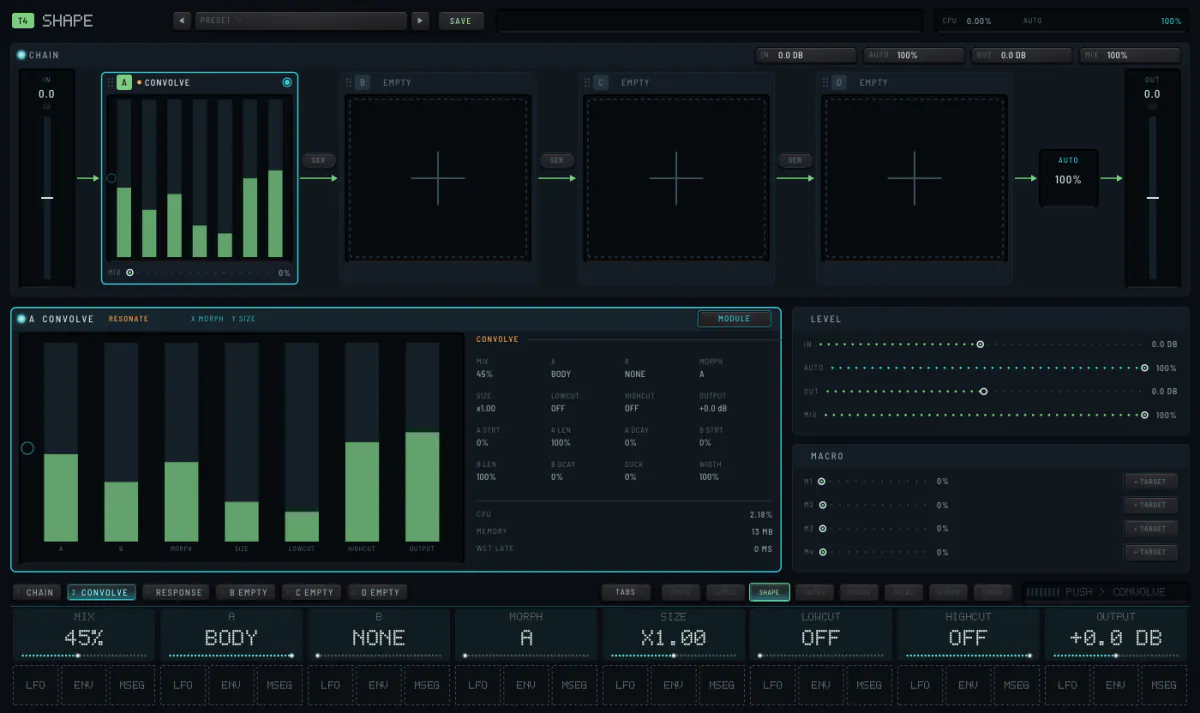
A chain of four slots, each one of thirteen modules, all heard at once in the order you choose. Modules include DIMENSION, SPIRAL, MB DRIVE (three bands of drive) and CONVOLVE (the track played through a sample). Raise a slot's MIX to hear it.
StageFilter
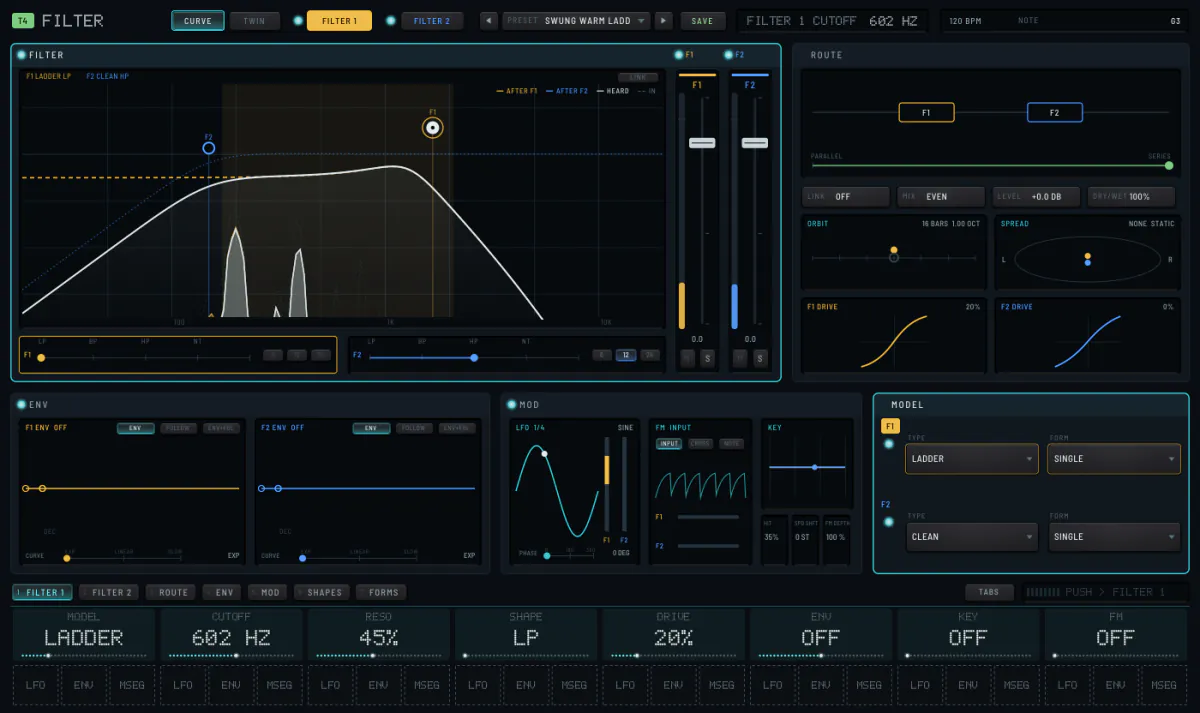
Two filters, linked
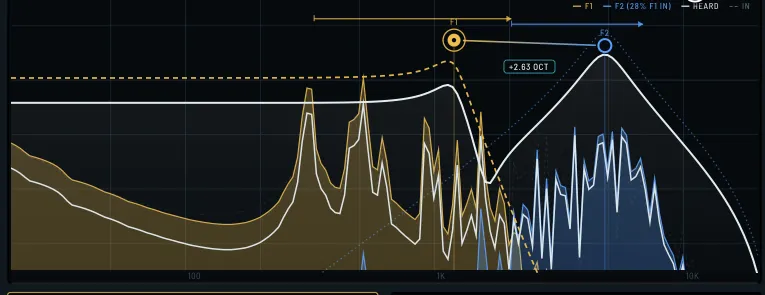
DUAL is the default: two modelled filters and a routing. Drag the handles on the curve: sideways for cutoff, up and down for resonance. Other options are eight single-filter models, or none. Further pages hold modulation, filter shapes and forms.
StageMotion
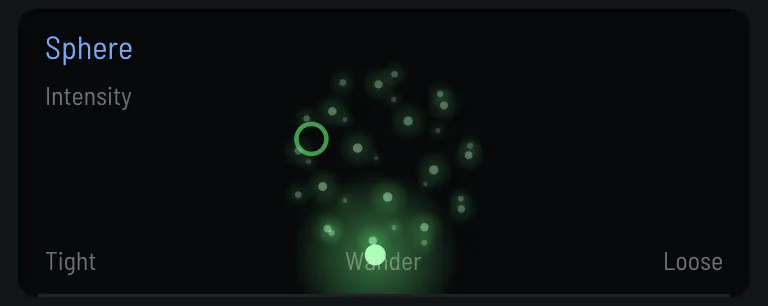
Remembers bars, or rebuilds the sound
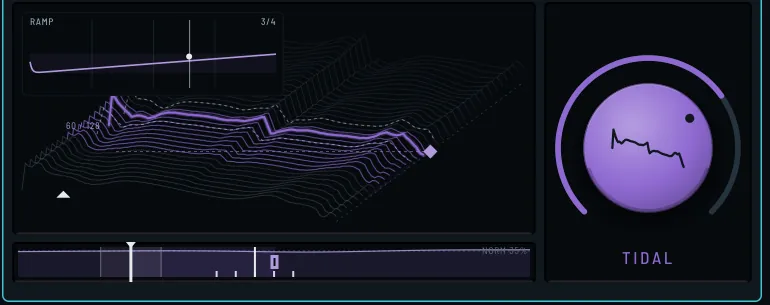
One module after the filter that remembers the last bars or rebuilds the sound: SPHERE, GHOST, KINTSUGI or METAMORPH. SPHERE plays the track's last bars again in a different order, on the beat. In CONDUCT it has its own pad: across is how loose the order is, up is intensity.
StageDelay
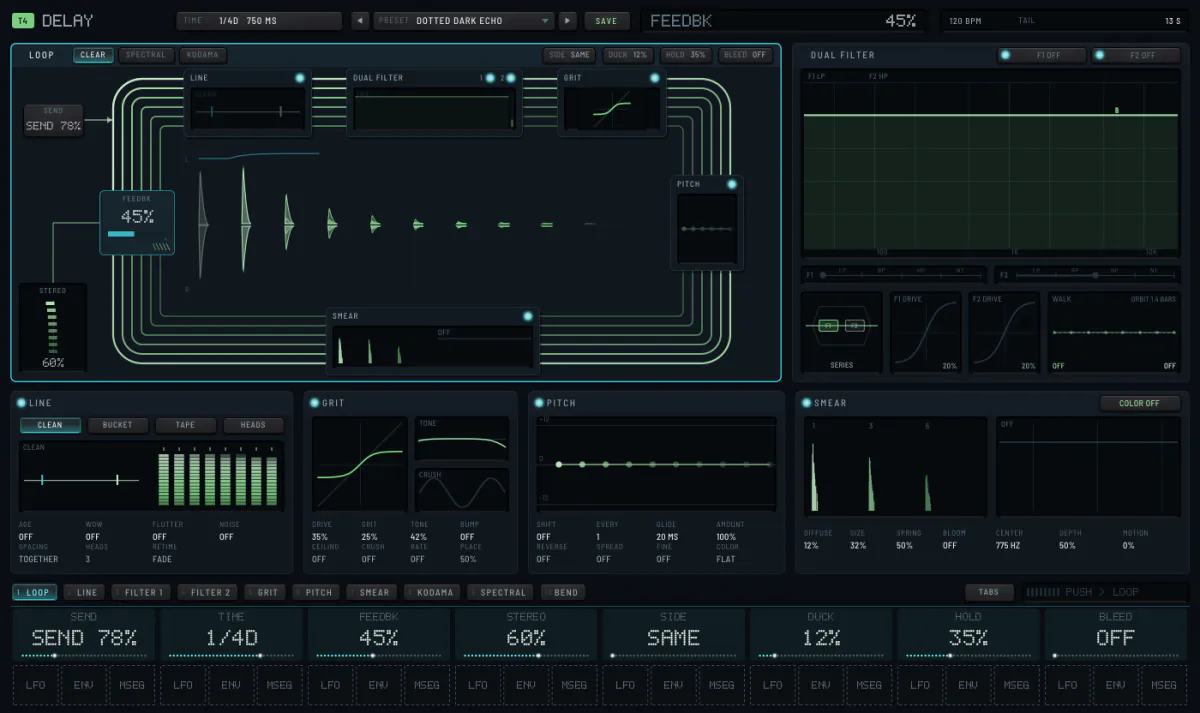
Eleven delays
Fed by SEND. Types include echo, bucket-brigade, cloud, elastic, freeze, pitch, sympathy and KODAMA, which repeats the character of the sound rather than its waveform, each repeat less defined than the last.
StageReverb
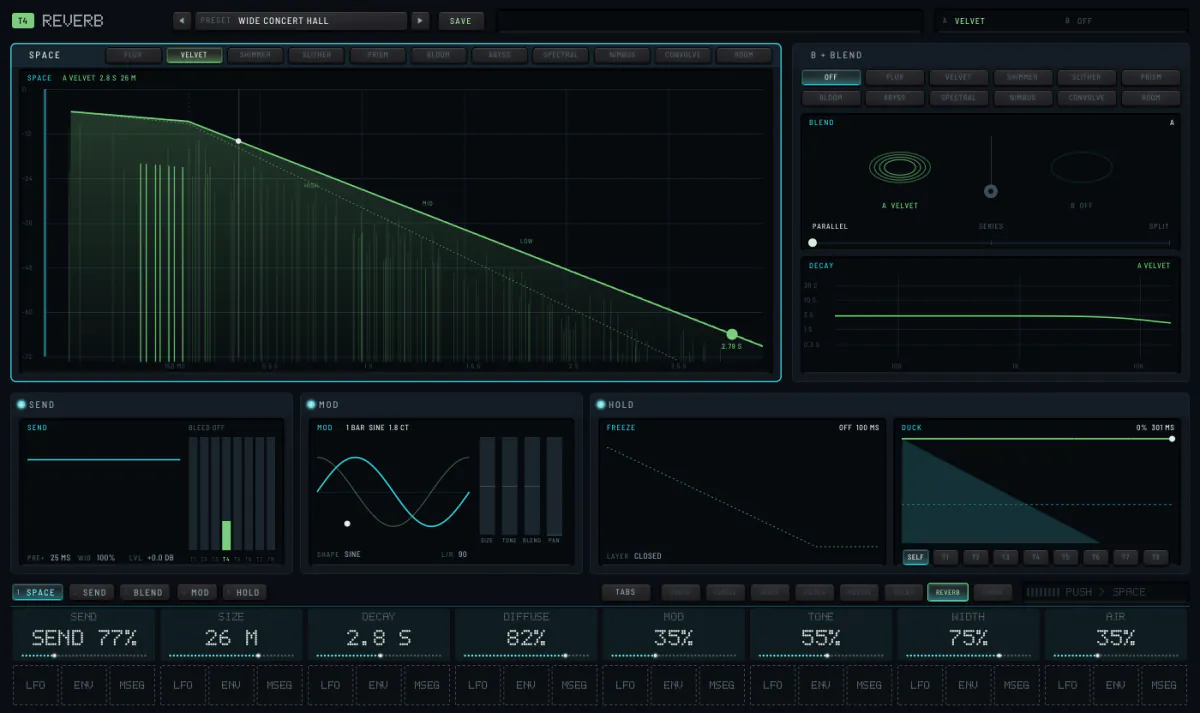
Ten reverbs, and a send
Two engines can be blended, and CONVOLVE uses a recorded space. A SEND panel follows the reverb's own; its LOWCUT keeps a kick's lows out of the tail. Reverb and delay can bleed between tracks, so a hat and a pad share the same space.
StageFinish
Final processing
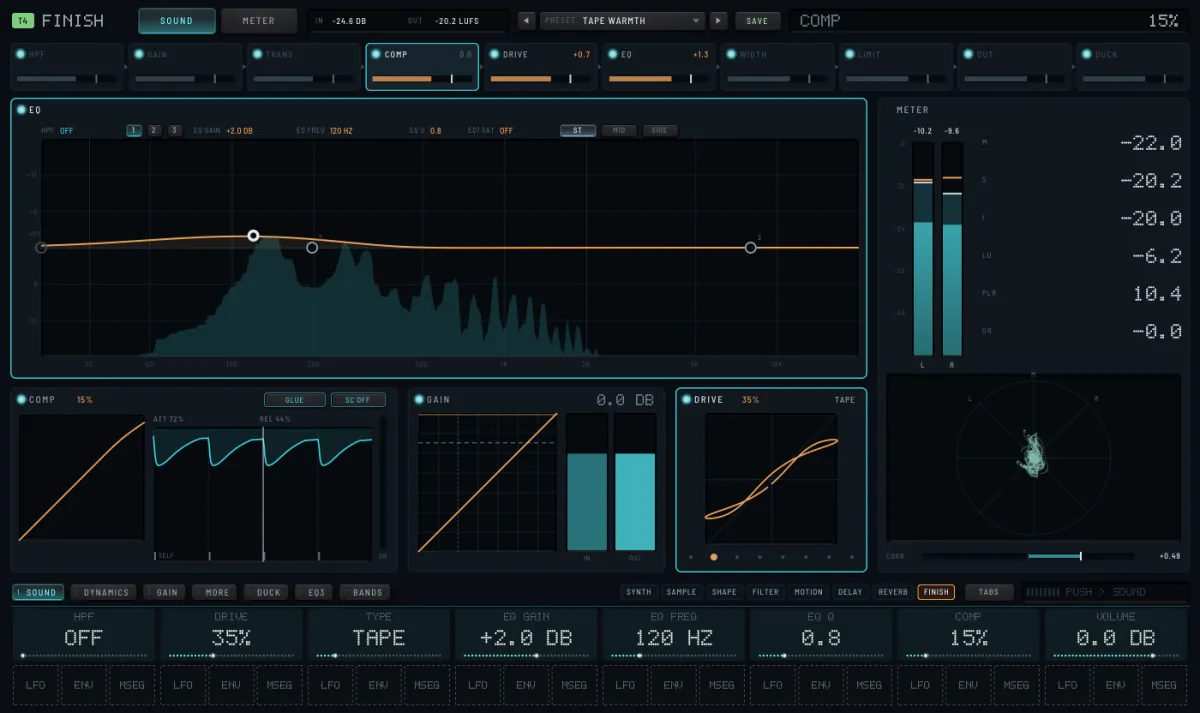
A high pass with a choice of slope, a gain stage, colour, three EQ bands each with its own saturation, a compressor, a transient shaper, a limiter, width and mono, and a duck on the song's grid. Seven pages, with a rack overview and full metering.
StageSample and combine
A second source on every track
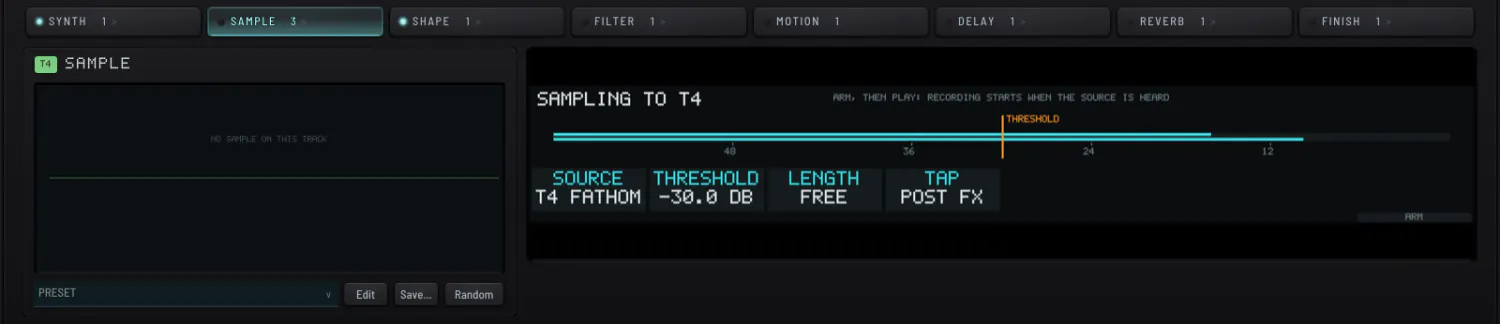
A recording from the project's pool, layered with the machine. NONE at the bottom of its last knob takes it out. The sampling panel records any track or the master. COMBINE, the stage's second page, sets how the sampler and the machine meet: A>B (the sample starts each event and the synth finishes it), B>A, or ALT (successive hits go to one source or the other).
Pop-outsPop-out editors
Filter, delay, reverb, shape, motion, finish, the wavetable and most machines have a pop-out editor. Each also has a tabbed layout for small screens.
The whole mixMaster chain and reset
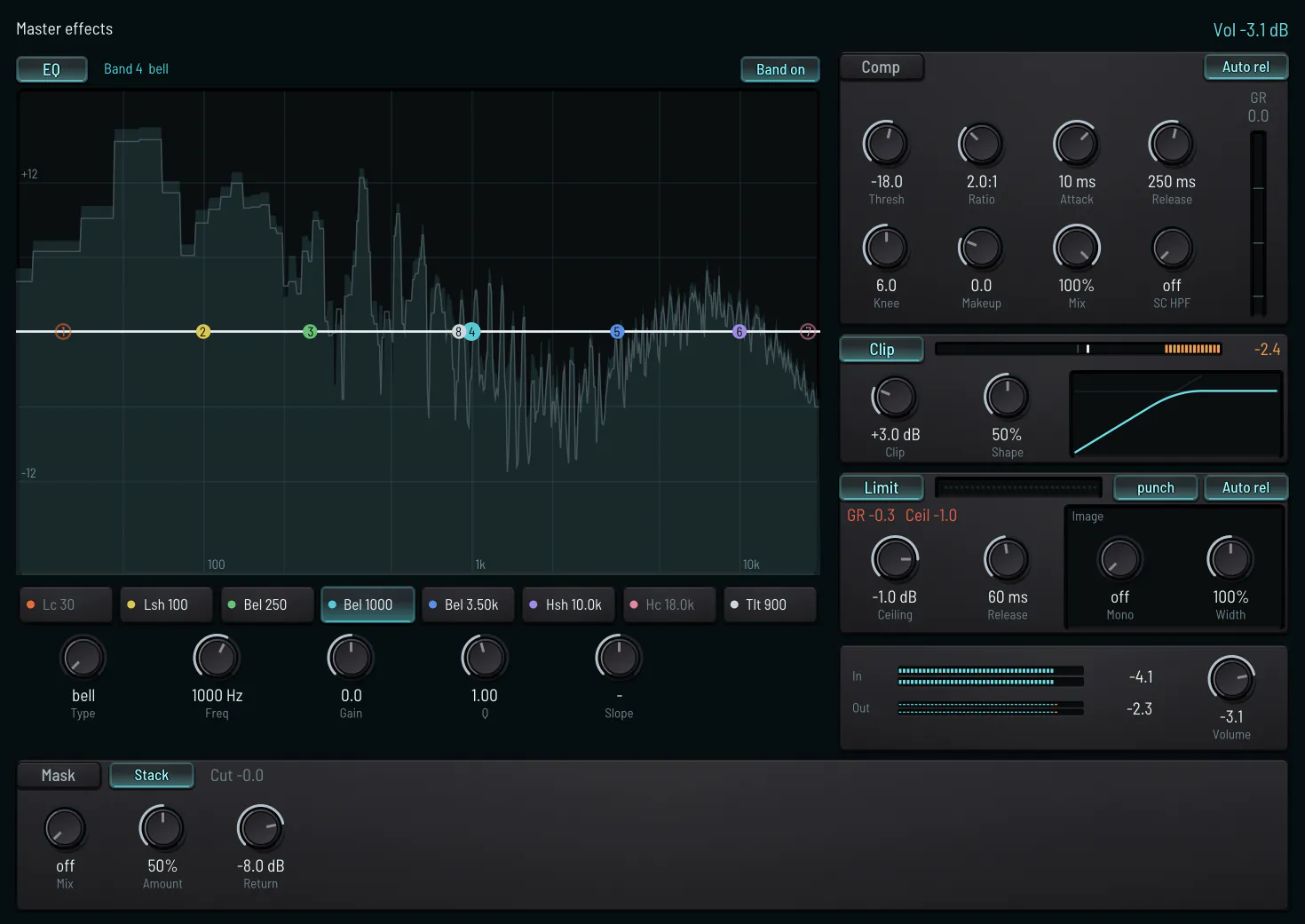
EQ, compressor, clip, limiter and image sit after the eight tracks. FX RESET puts the effect page you are on back to its start; on the Push, Shift and Delete does the same. Random draws new values for the page, and Undo takes it back.