09 Push 2
Push 2
The window and the Push show the same state: a knob turned on one moves on the other. A Push is optional.
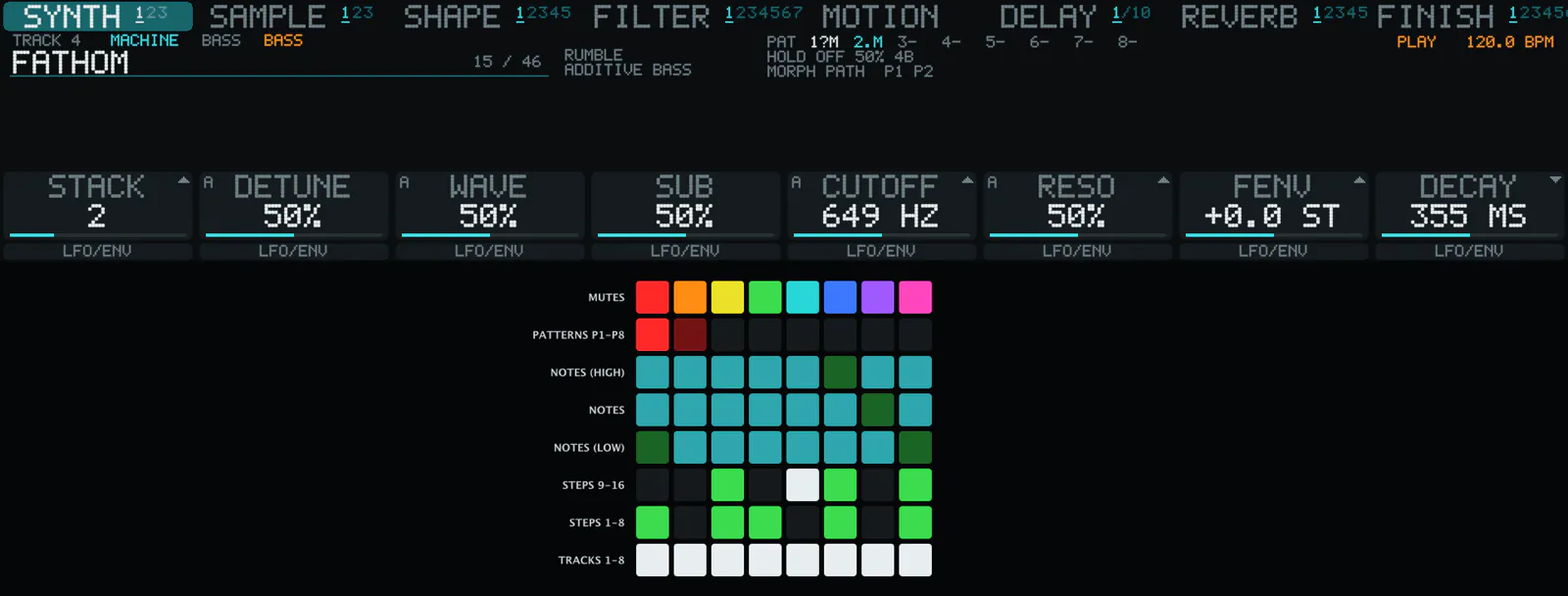
PadsPads
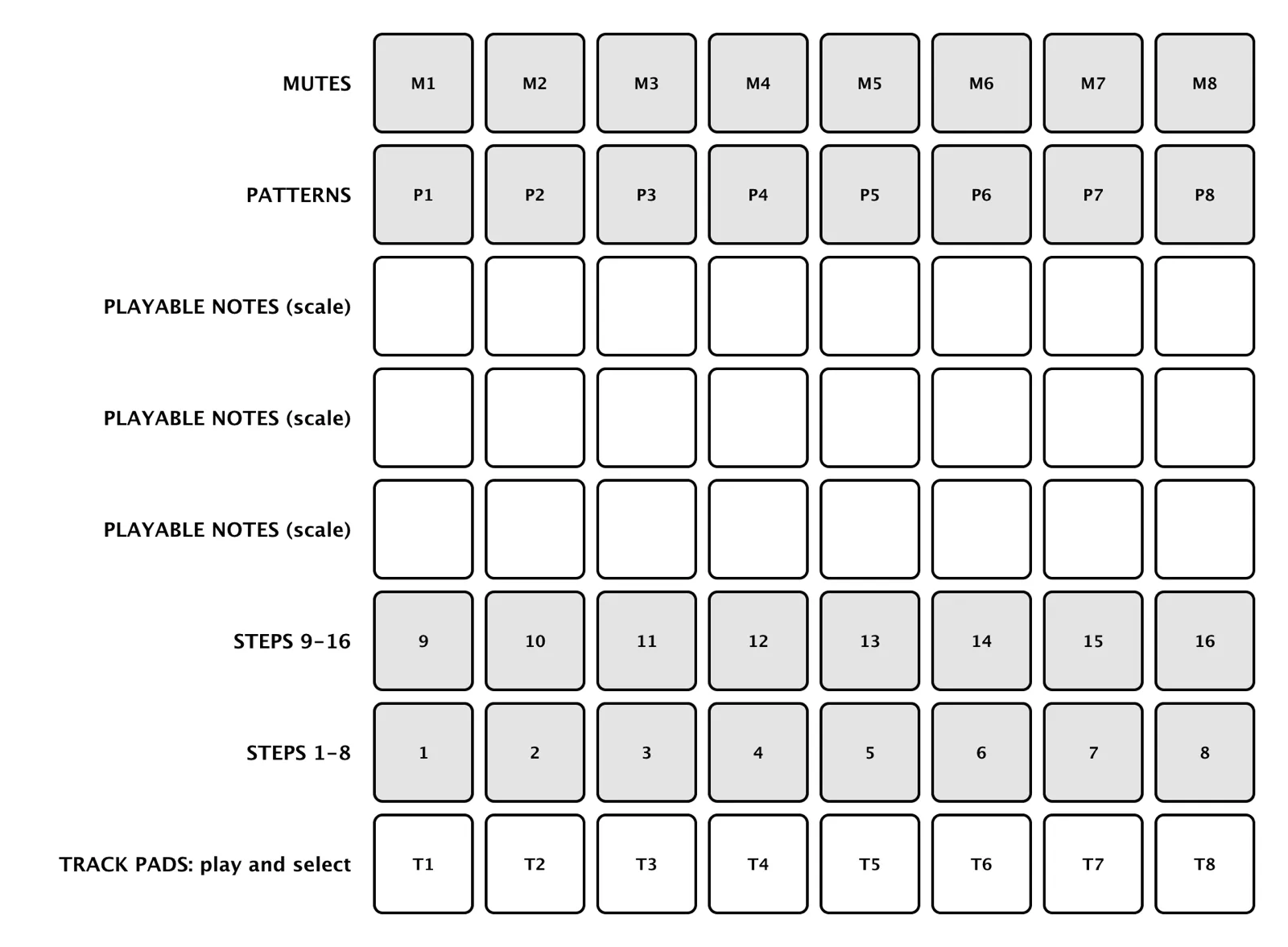
The top two rows and the bottom three are the same in every view: mutes, patterns, steps and track pads. The middle rows play the selected track in the scale.
DisplayDisplay and encoders

The keys above the display choose the stage. The eight encoders are the eight knobs. The keys under it add movement. The Tempo knob never changes the tempo: it chooses the machine on SYNTH, and the model or type on an effect page.

StepsHolding a step




| To do this | Do this |
|---|---|
| Lock a knob on one step | Hold the step, turn the encoder |
| Random ratchet | Hold SELECT, tap a step |
| Random condition | Hold SHIFT, tap a step |
| Fine adjustment | SHIFT + encoder |
| Randomise the page | DELETE |
| Copy steps or tracks | Hold DUPLICATE, source, then target |
| Record audio | AUTOMATE |

Virtual PushVirtual Push
A Virtual Push shows what the hardware shows, in the window: hardware look, classic or metal. The pads and keys drawers in CREATE are the same eight track pads and the keyboard.